
Training archive
What Is Search Engine Optimisation?

By Tessa Morgan
Search engine optimisation, usually shortened to SEO, is the work of improving a website so that search engines can understand its pages and people can fin
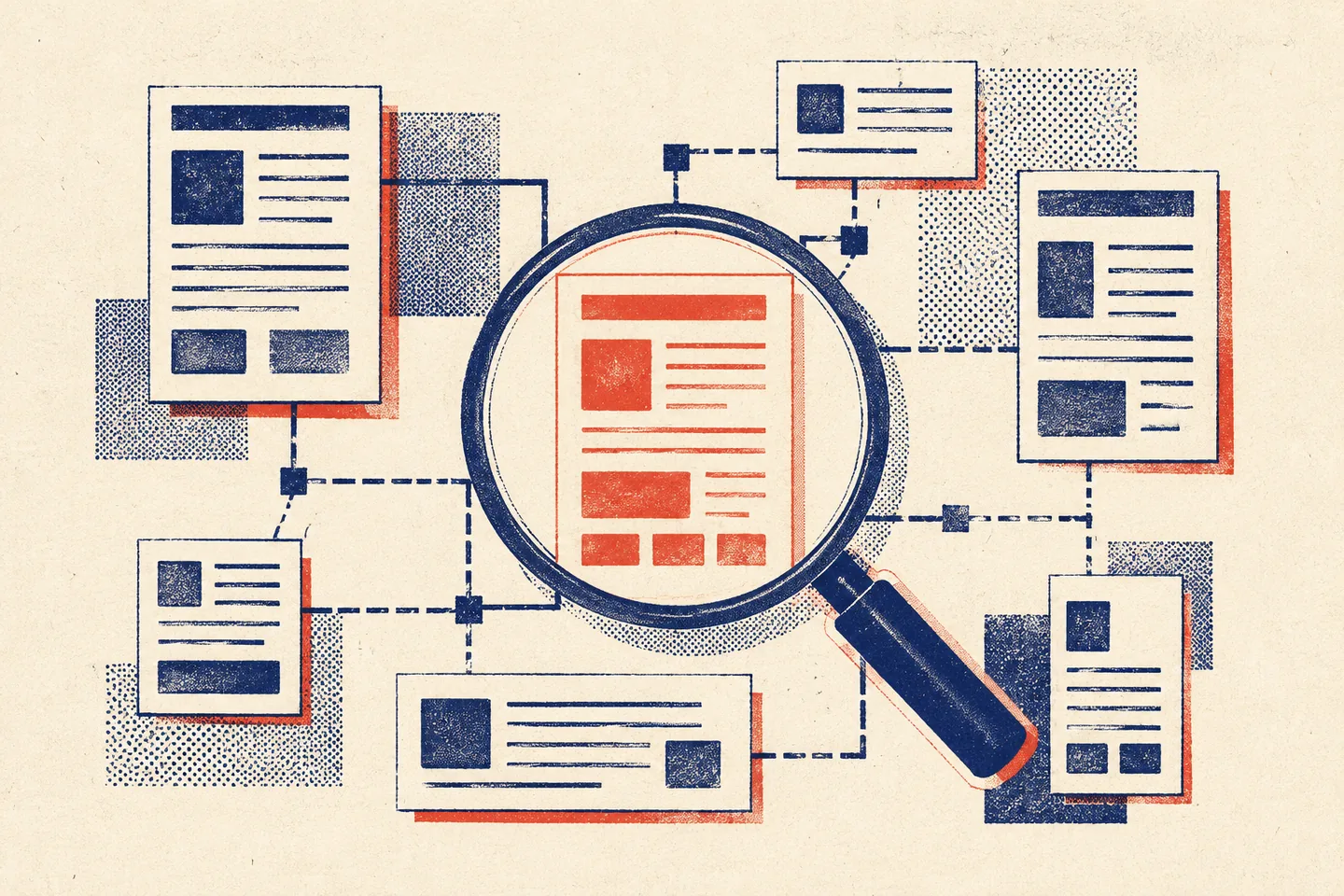
Search engine optimisation, usually shortened to SEO, is the work of improving a website so that search engines can understand its pages and people can find and use them. It concerns unpaid search visibility, rather than paid advertising placements.
SEO brings together useful content, clear navigation, technical reliability and accessible design. Adding keywords alone will not make a page useful. The practical aim is to answer a reader’s question on a page that can be discovered, understood and used without unnecessary obstacles.
How search engines find and assess pages
Three processes help explain the work. Crawling is the discovery and retrieval of pages, often through links. Indexing involves processing content so it can be considered for search results. Ranking determines which eligible results appear for a particular query and in what order.
These processes are distinct: a page can be crawled without being indexed, and an indexed page may receive little visibility. A sitemap helps with discovery but does not guarantee inclusion. Technical access is a foundation; the page still needs to address what someone is searching for.
For a practical introduction to these foundations, see Google’s SEO Starter Guide. Treat SEO as a programme of improvements, without assuming that any single change will secure a particular position.
Start with the reader’s task
Before choosing keywords, decide what a visitor should understand or do after reading the page. Someone asking what SEO means needs a definition and examples. Someone trying to fix an unavailable page needs diagnostic steps. Someone comparing services needs clear differences and decision criteria.
Search wording offers clues about these needs, but it is not a complete description of the person. A broad question may contain several smaller questions. Choose a format that addresses them in a sensible order: an explanation, a comparison or a sequence of instructions.
Keyword research helps identify the language readers use. Include the main topic naturally in the page title, introduction and relevant headings. Avoid repeating an exact phrase in every paragraph. If a sentence sounds awkward when read aloud, rewrite it for clarity.
Give each page a distinct purpose. If two pages answer the same question with almost identical material, first clarify whether readers need both. More pages do not automatically create a more useful site.
Write content that resolves the question
Put the essential answer near the beginning. Use descriptive headings, short paragraphs and examples that explain difficult points. A heading such as “Check whether a page can be indexed” tells readers more than “Unlock your potential”.
Depth should follow the task. A definition needs enough context to prevent misunderstanding; a procedure needs steps and a way to check the result. Extra paragraphs that repeat the introduction do neither. Remove them before adding another section.
Keep factual claims supportable. Do not invent experience, quotations or performance figures, and do not promise rankings. Where advice depends on the site, explain the condition: a large catalogue with filters has different navigation problems from a small information site.
Review examples, instructions and references when the underlying subject changes. Update material because it has become inaccurate or incomplete, rather than changing a date to suggest freshness.
Connect pages through a clear structure
Arrange pages into sections that make sense to visitors. A main topic page can introduce a subject and link to detailed guides. Those guides can link to related explanations when they help the reader continue a task.
Use descriptive internal link text. “Check page indexing” explains the destination more clearly than “click here”. Avoid adding links merely to reach a quota, and check that important pages are reachable through ordinary navigation.
Readable URLs help people recognise a destination. However, renaming established URLs purely for neatness can disrupt existing links. Review the consequences before changing an address. Duplicate URLs, filters and outdated pages need deliberate handling rather than indiscriminate removal.
Documentation on crawling and indexing provides further detail on discovery and URL management. A sitemap complements internal navigation; it does not replace it.
Check the technical foundations
Begin with availability. Important pages should load reliably and return the appropriate response. A missing page should not pretend to be a successful page, and an intended public page should not accidentally require a login.
Check crawling and indexing controls separately. Blocking a crawler from fetching a URL is different from asking a search engine not to index it. A crawler generally needs access to read a page’s indexing instruction, so combining controls carelessly can defeat the intended result.
Essential text and navigation should be accessible without requiring an interaction that a crawler may never perform. If content depends on scripts, check the rendered page as well as the initial response. Do not assume that seeing a page in your own browser proves a crawler receives the same content.
Write an accurate title and a concise meta description for each important page. Search results may use different wording, so these fields are descriptions rather than guaranteed display text. Headings and any structured data should reflect information visitors can actually find on the page.
Test loading and responsiveness on a phone and a slower connection. Reduce oversized assets and unnecessary scripts where they delay reading or interaction. A performance score helps identify problems; it does not guarantee search visibility.
Make the page usable and accessible
Clear headings, meaningful links, readable contrast and keyboard access help people use a page. Check that controls have understandable labels, focus is visible and essential information does not depend on colour alone. Text alternatives should communicate an image’s purpose where it conveys information.
The W3C Web Content Accessibility Guidelines provide a framework for assessing these barriers. Accessibility and SEO overlap in areas such as clear structure, but they are separate disciplines: an accessibility check is not a ranking prediction.
Keep the promise made by the page title and search description. If the page offers instructions, make them easy to find. Avoid burying the answer beneath unrelated introductions, intrusive overlays or repeated calls to action.
Measure progress and choose the next change
Start with a small set of important pages and record a baseline. Search impressions indicate appearances in results; clicks indicate visits from those results. Neither alone proves that visitors found the page useful. Consider relevant actions, such as reaching a supporting guide or completing an enquiry, alongside search data.
Interpret patterns carefully. A change in traffic may reflect seasonal demand or a different mix of queries, rather than your last edit. Compare equivalent periods where possible, and allow time for pages to be revisited and processed before drawing conclusions.
- Choose a page and its purpose. Write down the question it should answer or the task it should support.
- Check access and navigation. Confirm the page loads, can be reached through links and has appropriate indexing controls.
- Review the content. Make the answer clear, remove repetition and check unsupported claims.
- Test usability. Read it on a phone and navigate its controls with a keyboard.
- Record the change. Note the date, affected page and expected effect so later comparisons have context.
Prioritise problems that prevent access or understanding before minor wording adjustments. Where possible, change one meaningful element at a time. If results remain unclear, gather more evidence before making another broad revision.