
Training archive
Search Backlinks: A Practical Guide to Finding and Reviewing Links

By Tessa Morgan
Searching backlinks means finding the pages on other websites that link to a page or domain you manage. The result is often called a backlink profile. It c
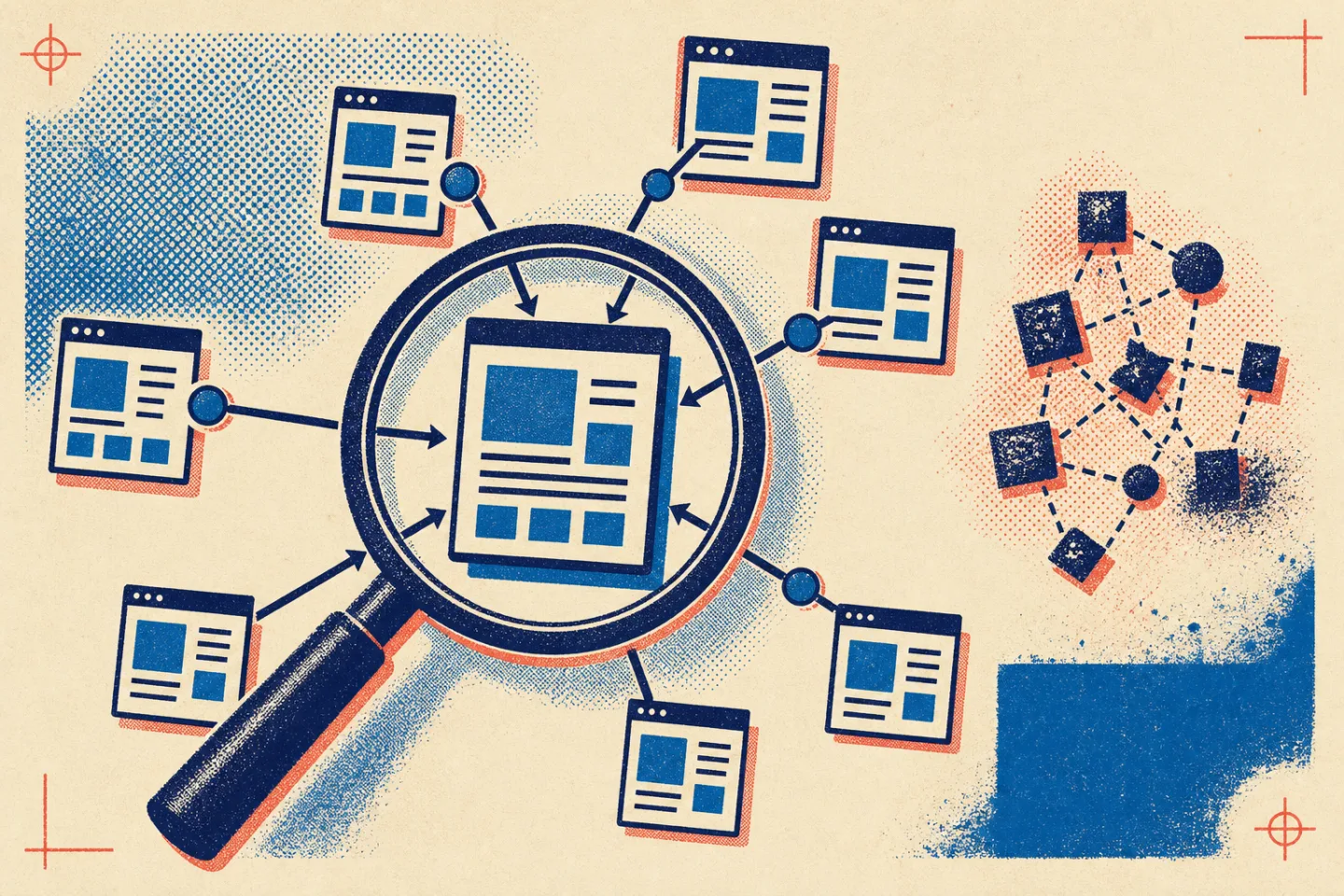
Searching backlinks means finding the pages on other websites that link to a page or domain you manage. The result is often called a backlink profile. It can help you understand how people discover your work, which resources earn references, and where a useful link has disappeared.
A backlink search is not a complete verdict on a website. Different indexes discover different pages, and some links may be hidden behind scripts, blocked from crawling, or removed before the next scan. Treat every export as a working list that needs context and verification.
This field guide explains how to search backlinks, review the results, and turn the findings into clear next steps without chasing a single score.
Define the Question Before You Search
Start with a specific question. A broad request such as “show me our backlinks” can produce a large report without revealing what to do next. A narrow question determines which pages, fields, and filters matter.
Common backlink questions include:
- Which outside pages link to the home page or a specific resource?
- Which content attracts links from relevant publications or reference pages?
- Has an important link stopped working?
- Are several links coming from one website rather than independent sources?
- Which unlinked mentions may deserve a polite correction or update request?
Choose the correct scope as well. A domain-level search shows the wider pattern, while a page-level search answers questions about one article, guide, or landing page. Record whether the tool includes subdomains and alternate versions of the same address. Otherwise, two reports may appear to disagree when they are measuring different scopes.
Use More Than One Discovery Method
No method finds every backlink. A dependable review combines a backlink index with manual checks and first-party search analytics when those sources are available.
Start with a Backlink Analysis Tool
A backlink analysis tool crawls public pages and records links it encounters. Search for the full domain first, then inspect important pages separately. Useful exports usually include the linking page, linked page, anchor text, link attribute, discovery status, and a date associated with the crawl.
Filter the results before drawing conclusions. Separate live links from missing ones, external links from internal links, and unique referring websites from total link rows. One page may contain the same link more than once, and one website may link from many pages. Those are different patterns, not equal endorsements.
Tool-specific authority or risk scores can help sort a long list, but they are estimates created by the tool. Use them as triage signals rather than facts about how a search engine evaluates a link.
Use a Search Engine for Mentions and Verification
A general web search is useful for finding mentions that a backlink index missed. Search for the domain name, a distinctive page title, or a quoted phrase from the site. Exclude the site’s own domain when the search interface supports that filter. This approach can reveal citations, copied titles, resource lists, and references without links.
Search results are not a complete backlink database. A mention may appear without a clickable link, and a linking page may not appear for the query you chose. Use search to investigate leads and verify context, not to calculate a total.
Check First-Party Search Analytics
Search analytics associated with the site may provide another sample of linking domains or pages. It can also show which pages receive search impressions and visits, helping you connect backlink research to actual content performance. Keep the two ideas separate: a link can exist without sending visits, and traffic can change for reasons unrelated to links.
If referral data is available in a general analytics platform, use it to identify visits from other websites. Referral traffic does not prove that every backlink was found, but it can reveal links that people actively follow.
Build a Review Sheet That Preserves Context
A useful backlink sheet should help another person understand each row without reopening the original export. Keep the fields simple:
- Source page: the page that contains the link.
- Target page: the page on your site that receives it.
- Anchor or linked element: the words or image used for the link.
- Placement: the surrounding paragraph, resource list, navigation, footer, or other location.
- Status: live, redirected, missing, blocked, or not yet verified.
- Topical fit: why the source and target belong in the same conversation.
- Next action: keep, investigate, correct, reclaim, or ignore.
Deduplicate carefully. Keep separate rows when different pages provide genuinely different context, but group repeated site-wide links so they do not dominate the review. Preserve the raw export in case you need to revisit a filter or confirm what the tool originally reported.
Evaluate the Page, Not Just the Metric
A strong review asks whether the link makes sense for a visitor. Open the source page and read the surrounding section. Is the page about a related topic? Does the anchor describe the destination honestly? Would a reader reasonably use the link to learn more or verify a point?
Look for these practical signs of a useful link:
- The source page has a clear purpose and readable main content.
- The link appears in a relevant sentence or curated resource section.
- The destination fulfills the expectation created by the anchor text.
- The source and destination are accessible without deceptive redirects.
- The link appears to be an editorial choice rather than an automated insertion.
Be cautious when a page contains unrelated topics, copied passages, concealed text, confusing redirects, or a dense collection of unexplained links. These signals call for investigation; they do not make every link from the domain harmful. Avoid labeling a backlink solely from a tool’s risk category.
Verify Important Links Manually
Open any link that could affect a decision. Confirm that the source page loads, the link is present, and the destination resolves to the expected page. Read enough of the source to understand why the link exists. If the tool reports a lost link, check whether the source moved, changed its address, replaced the citation, or removed the section.
Also inspect your own destination. A link may appear lost because your page now redirects poorly, returns an error, or no longer matches the source’s reference. Fixing the destination can be more useful than asking the source publisher to restore an outdated link.
Document uncertainty. Use notes such as “not visible in rendered page” or “source unavailable during review” instead of guessing. A careful unknown is more valuable than a confident but unsupported classification.
Compare Link Patterns Without Copying Them
You can review backlink patterns around other pages in the same topic without naming or imitating a particular site. The purpose is to learn what kinds of resources people cite: definitions, original tools, detailed tutorials, templates, or well-organized reference material.
Group the linking pages by intent and ask what need they are serving. If resource pages often cite clear checklists, create a better checklist because it helps readers, not because you want to reproduce another site’s profile. The durable opportunity is the missing usefulness behind the link, not the link placement itself.
Do not treat every shared source as an outreach target. A page may have a narrow editorial reason for linking elsewhere. Contact only relevant publishers, explain the specific reader benefit, and make it easy for them to decline.
Monitor Changes with a Consistent Routine
Repeat the same search scope and filters so comparisons remain meaningful. Separate links first discovered in this review from links that appeared after the prior review; a crawler may find an older page for the first time. Likewise, a “lost” label may mean the page was temporarily unavailable or the crawler could not verify it.
Prioritize changes that affect readers. Review links to moved pages, references from relevant sources, and sudden clusters of unfamiliar links. Keep routine observations separate from urgent technical issues. This prevents a noisy export from turning into unnecessary outreach.
Report Findings as Decisions
A backlink report should explain what changed, why it matters, and what action follows. Lead with referring websites and linked pages rather than a raw backlink total. Add a short note on coverage so readers know which tool, scope, and verification method shaped the report.
Useful reporting sections include:
- A scope note covering the domain, pages, and data sources reviewed.
- Important live links and the content they support.
- Lost or redirected links that need a technical check.
- Unverified or suspicious patterns that need further review.
- Content and outreach actions with a clear reason for each.
Finish with a small action list. Repair broken destinations, improve resources that already earn relevant references, and investigate questionable links before taking action. A disciplined backlink search is less about collecting the largest number and more about understanding how real pages connect, where readers encounter those connections, and which improvements make the site more useful.
Continue this search-training topic with CrawlGraph.